Secure connection
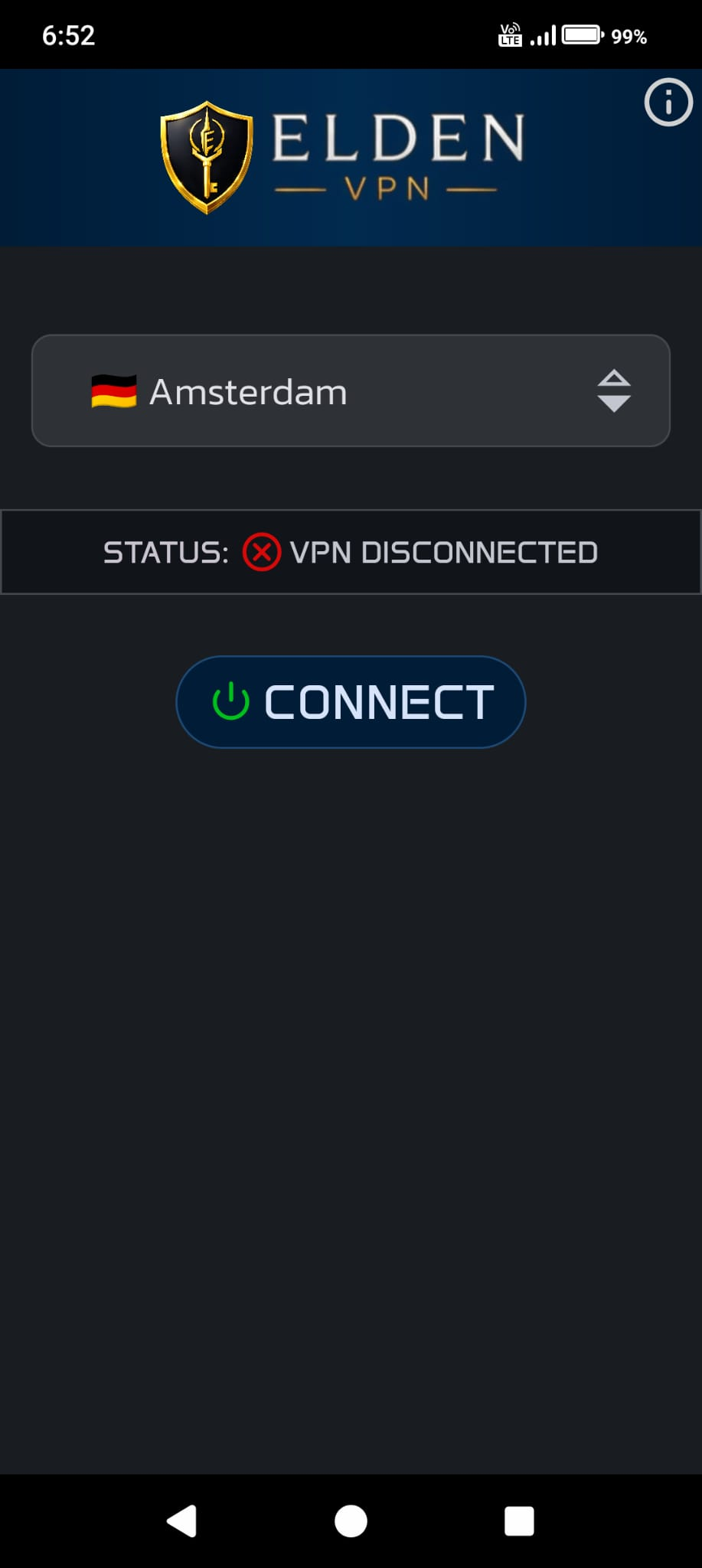
A clear connection flow that helps protect your traffic on mobile data and Wi-Fi networks.
Android is available. iOS is coming soon. Available for Android and iOS.
Create a secure connection with one tap, switch between fast servers, and enjoy a clean VPN experience on mobile.
Scan the Android QR code or open the Google Play link. The iOS launch slot is ready. Scan the QR code for your device or open the matching store link.
Real app screenshots, clear download actions, and policy links commonly needed for store submissions.
A clear connection flow that helps protect your traffic on mobile data and Wi-Fi networks.
Low latency, quick switching, and server selection that stays readable on mobile screens.
A clean interface with obvious actions instead of complicated settings.
Core policy sections for App Store and Google Play submissions are included on the same page.
Last updated: June 8, 2026. Elden VPN may process limited data to operate the app, provide secure connectivity, answer support requests, and meet store requirements.
By using Elden VPN, you agree to these terms. The service may vary depending on connection quality, regional access, maintenance, or third-party infrastructure conditions.
You can contact us for support or personal data requests. EldenVPN does not require account creation.
Policy note: These texts should be kept up to date with the published app version, SDKs in use, advertising/analytics tools, subscription structure, and actual data processing practices.